
Tap and hold
Give one key a tap action and a different hold action.
A key can do one thing when tapped and another when held. The classic turns caps into Escape on tap and Control on hold.
In karabiner.ts
The upstream config wraps toIfAlone in a helper:
export const tapModifier = (v: SideModifierAlias, to: ToEvent) =>
  map(v).to(toKey(v, undefined, { lazy: true })).toIfAlone(to)
In Vimputer
Tap and Hold are moments on one binding, so there’s no helper.
Bind the key
Record caps as a binding’s trigger.
Add the moments
Under Actions, add a Tap moment with a Shortcut of esc, and a Hold moment with ⌃.
Set the hold time
Open Hold and drag its slider. This config uses 200 ms; untouched, Karabiner waits 500 ms.
In the Leader mode, w closes a tab (⌘W) on tap and reopens it (⌘⇧W) on hold:
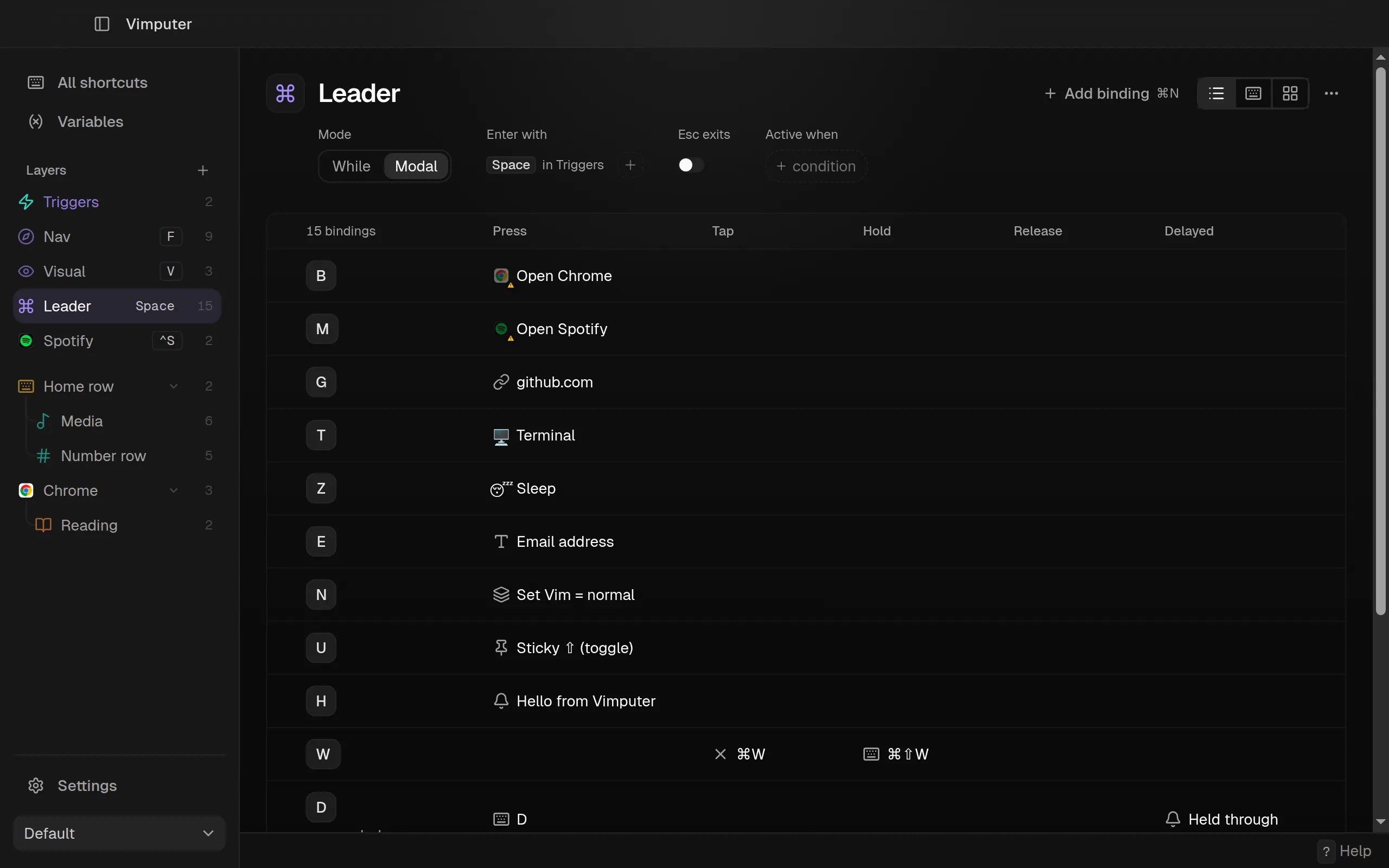
To copy the helper’s { lazy: true }, put the modifier on Press instead of Hold
and turn on Lazy modifier under the Shortcut’s Key options…. A lazy
modifier only applies once another key goes down. See
Bindings for every moment.